




Stop Fiddling with the Dial: Your Summer Thermostat Guide
HVAC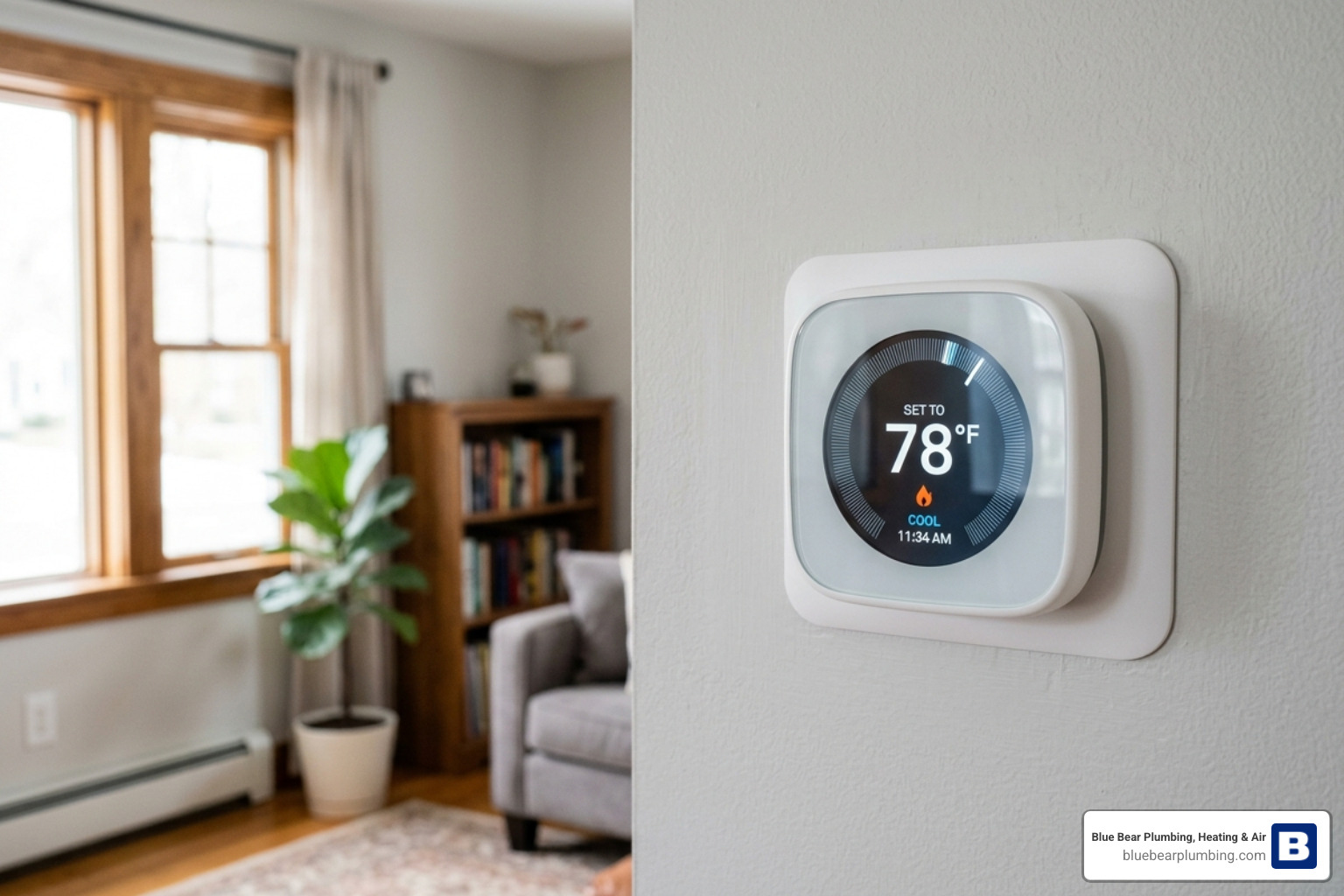
Finding the Best Thermostat Settings for Summer Savings
The best thermostat settings for summer savings come down to three simple numbers: 78°F when you’re home, 85°F when you’re away, and 76–78°F when you’re sleeping.
| Situation | Recommended Setting |
|---|---|
| Home & Awake | 78°F |
| Away from Home | 85°F (never above 90°F) |
| Sleeping | 76–78°F |
| Vacation (3+ days) | 85°F |
Every degree you raise above 72°F saves you up to 3% on cooling costs — meaning the jump from 72°F to 78°F alone can cut your cooling bill by 6% to 18%. Adjust 7–10 degrees for 8 hours a day, and you’re looking at up to 10% savings annually.
Here on the South Shore, summer heat waves hit harder than most people expect — and when they do, the instinct is to crank the AC down as low as it’ll go. That’s usually when the electric bill shows up and the real shock sets in. The truth is, a few simple, consistent thermostat habits make a much bigger difference than constantly fiddling with the dial. Most homeowners don’t realize how much money slips away through inefficient cooling habits — not because they’re doing something dramatically wrong, but because nobody ever handed them a clear, practical playbook.
I’m Marc Provenzano, Marketing Manager at Blue Bear Plumbing, Heating & Air, and I’ve spent my time here learning from our technicians and diving deep into what actually helps South Shore homeowners stay comfortable without overpaying — including what the best thermostat settings for summer savings really look like in practice. Let’s walk through everything you need to know.
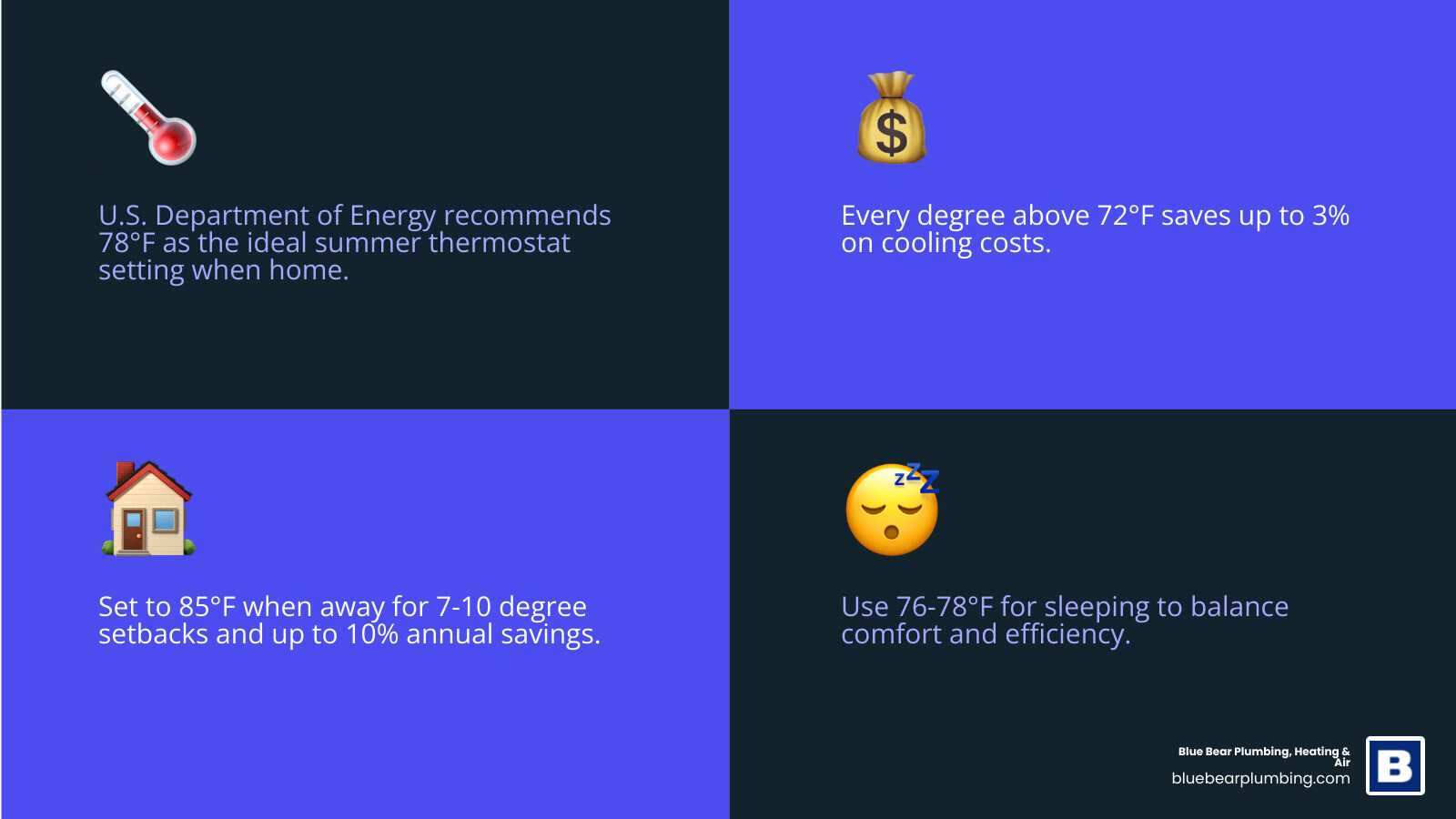

When we talk about the best thermostat settings for summer savings, we often start with the “magic number” recommended by the U.S. Department of Energy: 78°F. For many homeowners in Quincy or Braintree, this might sound a bit high at first. However, there is a scientific reason behind it.
Air conditioning accounts for roughly 12% of residential energy use across the country, but in hotter regions or during a humid Massachusetts July, that number can skyrocket to 27%. By using 72°F as a baseline, you can see how quickly the savings add up. Each degree you increase your indoor temperature above 72°F saves you approximately 3% on your cooling costs.
By moving your dial from 72°F to 78°F, you are looking at a total savings of 6% to 18%. This works because higher indoor temperatures actually slow down the flow of heat into your home. The closer your indoor temperature is to the outdoor air, the less work your AC system has to do. If you’re looking for more ways to stay comfortable without breaking the bank, check out The Quincy Homeowners Guide to a Chill Summer for local tips.
Maximizing Efficiency While Away or Asleep
One of the biggest impacts on your monthly bill is what happens when you aren’t even there to enjoy the cool air. We recommend setting your thermostat to 85°F whenever you are away for more than a few hours.
There is a common myth that it takes more energy to cool a “hot” house back down than it does to keep it cool all day. In reality, letting the temperature rise while you’re at work or running errands in Natick reduces the overall heat strain on your home. However, you should never set the thermostat above 90°F. Temperatures higher than that can put stress on your refrigerator and other temperature-sensitive appliances.
At night, sleep quality becomes the priority. The World Health Organization (WHO) suggests keeping indoor temperatures below 75.2°F at night for health and safety, though many people find a range between 76°F and 78°F combined with a ceiling fan is the perfect “sweet spot” for rest.
| Mode | Optimal Temperature | Why It Works |
|---|---|---|
| Home | 78°F | Balances comfort with moderate electricity use. |
| Away | 85°F | Reduces the cooling load when the house is empty. |
| Sleep | 76–78°F | Lowers the temperature slightly for better rest. |
Lifestyle Schedules: Tailoring Your Comfort
The best thermostat settings for summer savings aren’t just about the numbers; they’re about timing. Modern smart thermostats allow us to automate these changes so we don’t have to remember them. Features like geofencing can sense when your smartphone leaves the driveway in Norwell and automatically switch your system to “Away” mode.
Automation also helps manage the recovery cycle. Instead of coming home to a sweltering 85°F house, you can program the AC to start cooling back to 78°F about 30 minutes before you arrive. This prevents the system from “short-cycling” or overworking. Understanding the relationship between temperature and moisture is also key; you can learn more by Understanding How Humidity Impacts Indoor Air.
Best Thermostat Settings for Summer Savings for Remote Workers
If you work from home in a town like Wellesley or Needham, you can’t exactly set the dial to 85°F at noon. For remote workers, we suggest sticking to the 78°F daytime goal but supplementing with a ceiling fan. This utilizes the “windchill effect,” making the room feel up to 4 degrees cooler than the actual air temperature. You get the comfort of 74°F while paying for 78°F.
Best Thermostat Settings for Summer Savings for Night Shifts
For our neighbors working night shifts in the South Shore area, sleeping during the heat of the day is a challenge. We recommend a slightly lower range of 75°F–78°F for daytime sleep, paired with heavy blackout curtains. This blocks solar heat gain and manages humidity, ensuring you get restful sleep without the AC running non-stop against the afternoon sun.
Beyond the Dial: Humidity, Fans, and Maintenance
In Massachusetts, it’s often the humidity that makes us reach for the thermostat. If your home feels “sticky,” you might be tempted to lower the temperature to 70°F just to feel dry. Instead, aim to keep your indoor humidity below 60%.
Variable-speed AC systems are excellent at this because they run longer, lower-intensity cycles that pull more moisture out of the air than standard single-stage units. If your home is struggling with dampness, reading up on How to Keep Your House from Getting Too Humid can provide a permanent solution.
Maintenance is the “hidden” factor in the best thermostat settings for summer savings. An inefficient AC won’t reach 78°F easily. We recommend changing your filters every 1-2 months during peak summer to improve efficiency by up to 15%. You can even handle some basics yourself by learning How to Clean Your AC, but for the best results, you should know When to Get AC Tuned Up in Massachusetts to ensure your refrigerant levels and coils are in top shape.
Common Mistakes to Avoid with Your Summer Cooling
Even with the right settings, a few common errors can drive up your costs:
- “Cranking” the AC: Setting your thermostat to 60°F won’t cool the house faster. It just makes the compressor run longer, often overshooting your goal and wasting money.
- Thermostat Placement: If your thermostat is on a wall that gets direct sunlight or is near a heat-generating appliance like an oven, it will get a “ghost reading.” It thinks the house is 85°F when it’s actually 75°F, causing the AC to run unnecessarily.
- Ignoring the 20-Degree Rule: Most AC units are only designed to cool a home to about 15-20 degrees lower than the outdoor temperature. On a 100°F day in Quincy, your system will struggle to get below 80°F. Pushing it harder won’t help; it will only lead to a breakdown.
- Leaving Windows Open: It sounds simple, but close your blinds and curtains on south and west-facing windows during the day to block the “greenhouse effect.”
Frequently Asked Questions about Summer Thermostat Settings
What is the absolute best temperature for summer savings?
The industry standard for the best thermostat settings for summer savings is 78°F while you are at home. When you are away, 85°F is the goal. For every degree you can tolerate above 72°F, you save roughly 3% on your monthly cooling bill.
Should I turn my AC off completely when I leave for work?
No, we don’t recommend turning it off entirely. If you turn the system off, the humidity in your home will spike, and the walls and furniture will soak up the heat. When you turn it back on, the system has to work twice as hard to remove that “latent heat” and moisture. Instead, raise the temperature by 7-10 degrees.
How do ceiling fans help save money on cooling?
Ceiling fans should spin counterclockwise in the summer to push a breeze directly downward. While they don’t lower the room’s actual temperature, they create a 4-degree “feels like” drop on your skin. This allows you to set your thermostat higher without losing comfort. Just remember: fans cool people, not rooms, so turn them off when you leave!
Conclusion
At Blue Bear Plumbing, Heating & Air, we take pride in being the local experts for South Shore homeowners. From Quincy to Natick and everywhere in between, our team is committed to high-quality workmanship and reliable solutions that keep your home comfortable all year long. Whether you need a quick tune-up or help setting up a new smart thermostat, we provide the attentive customer care and integrity you deserve.
Ready to see exactly where your home is losing energy? Schedule your Mass Save Energy Audit today and let us help you maximize your summer savings!

Contact Us Today

Routine maintenance is vital for the longevity of your plumbing, heating, and air conditioning systems. Sign up for our Blue Care Maintenance Plan for annual service and exclusive membership benefits, including:
- Priority scheduling
- Waived service fee during normal business hours
- 10% discount on service calls
- 3% discount on new installations
- Two-year parts and labor warranty on new equipment